✨Say It in Stitches: Custom Quilt Lettering with Canva
(3-hour workshop | Live via Zoom)
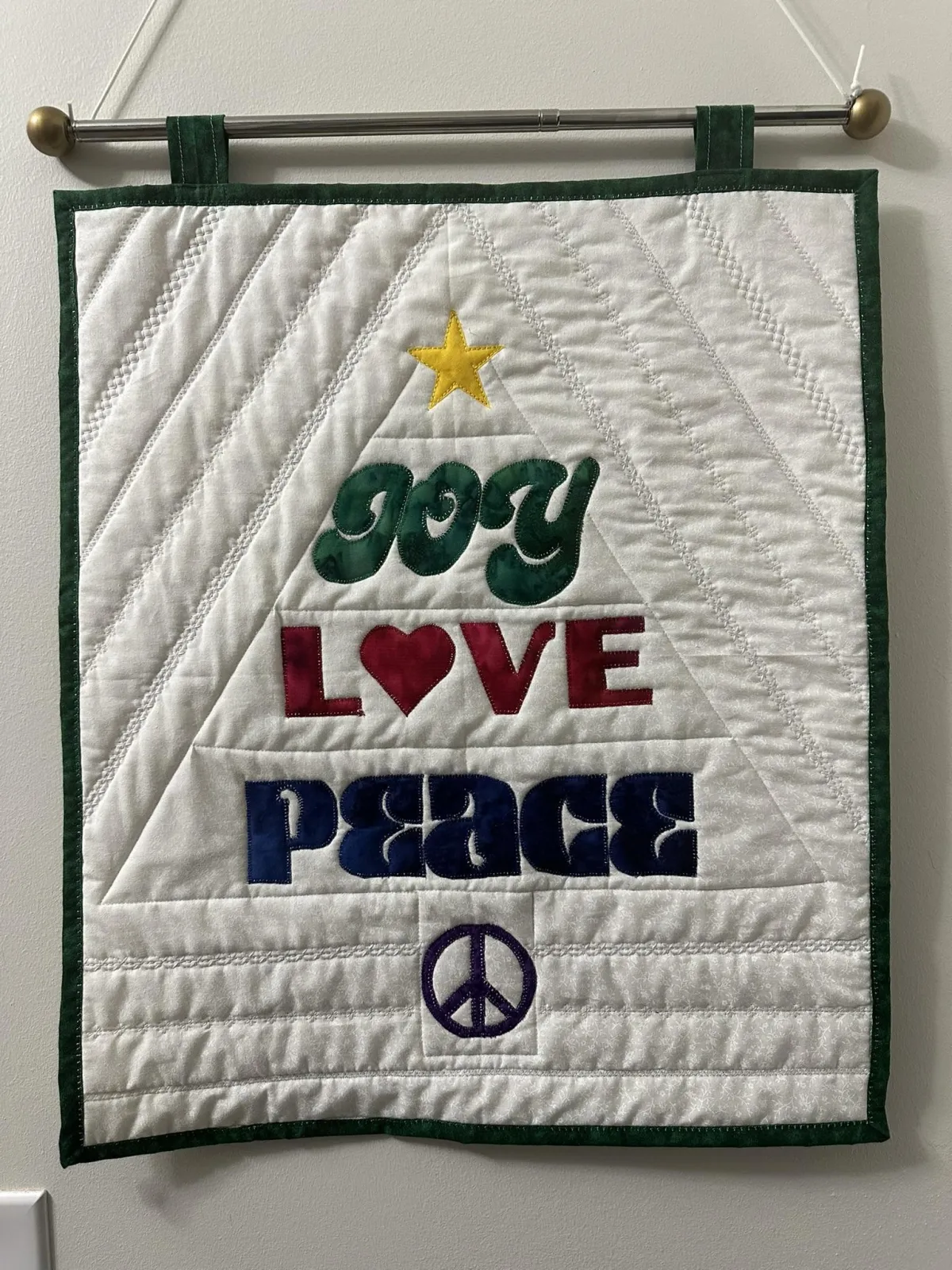
💻 Learn how to design custom quilt lettering — names, words, and simple phrases — using Canva, then turn those designs into printable patterns you can use in your quilt projects.
⭐This is a live, guided workshop designed for quilters who want hands-on support while learning a new design skill.
🔖 New Price - $27
✨ What You’ll Learn
In this workshop, you’ll learn how to:
🔤Use Canva to design quilt lettering
📐Create a letter-sized word design and
a custom-sized block
🏠Prepare designs for home printing
💾Download and save printable PDF patterns
🖨️We’ll also discuss printing options, freezer paper, fusible appliqué, and simple stitching choices.
🪡If time allows, we’ll also begin making a small block together.
Your Lead Magnet Name
Grab my (title of free products) that can help you do the thing you really want! Lorem ipsum dolor sit amet, consectetur adipiscing elit, sed do.
FORMAT & REQUIREMENTS
Date: May 2813, 2026
Time: Noon Eastern
Length: 3 hours
Format: Live via Zoom (interactive, not on-demand)
Skill level: Confident beginner and up
Class size: Limited to 25 participants
You’ll need:
A free Canva account
(instructions provided after registration)
A desktop or laptop computer
(tablets and phones are not recommended)
The first portion of class will focus on getting everyone set up and comfortable with the technology.
FAQ
Is this class live or pre-recorded?
This is a live, guided workshop on Zoom. You’ll be able to ask questions and follow along in real time.
A replay will be available afterward for anyone who can’t attend live or wants to revisit the lesson.
Do I need Canva Pro?
Nope. A free Canva account is all you need. No upgrades. No trials. No surprise pop-ups telling you to spend money.
What if I can’t attend live?
You’ll have access to the class replay inside the course area so you won’t miss the content.
Should I prepare anything ahead of time?
No prep required.
If you want to think about words, names, or short phrases you love, great — but we’ll explore ideas together in class.
Will I have ongoing access after the class?
Yes. You’ll have continued access to the class materials and replay inside the course area. This is not a “watch it once and it disappears” situation.
Do I need to be tech-savvy?
Absolutely not. The first part of class is dedicated to getting everyone comfortable with the setup. If you can use email and open a web browser, you’re good.
Is this a quilting class or a design class?
The main focus of this workshop is designing custom quilt lettering in Canva.
If time allows, we may take one design from screen to paper and fabric during class (printing, tracing onto freezer paper, and a quick placement demo).
This part is optional. You do not need supplies to participate, and you can always use the replay later.
If you want to be prepared, having a printer, freezer paper, a fabric scrap, and a bit of fusible can be helpful — but not required.
- AS SEEN ON -